pinlayout

AI Layouts — Zones — Automation

AI-powered window management for Mac and Windows. PinLayout detects your screen setup, suggests optimal layouts, and automates your entire workspace.

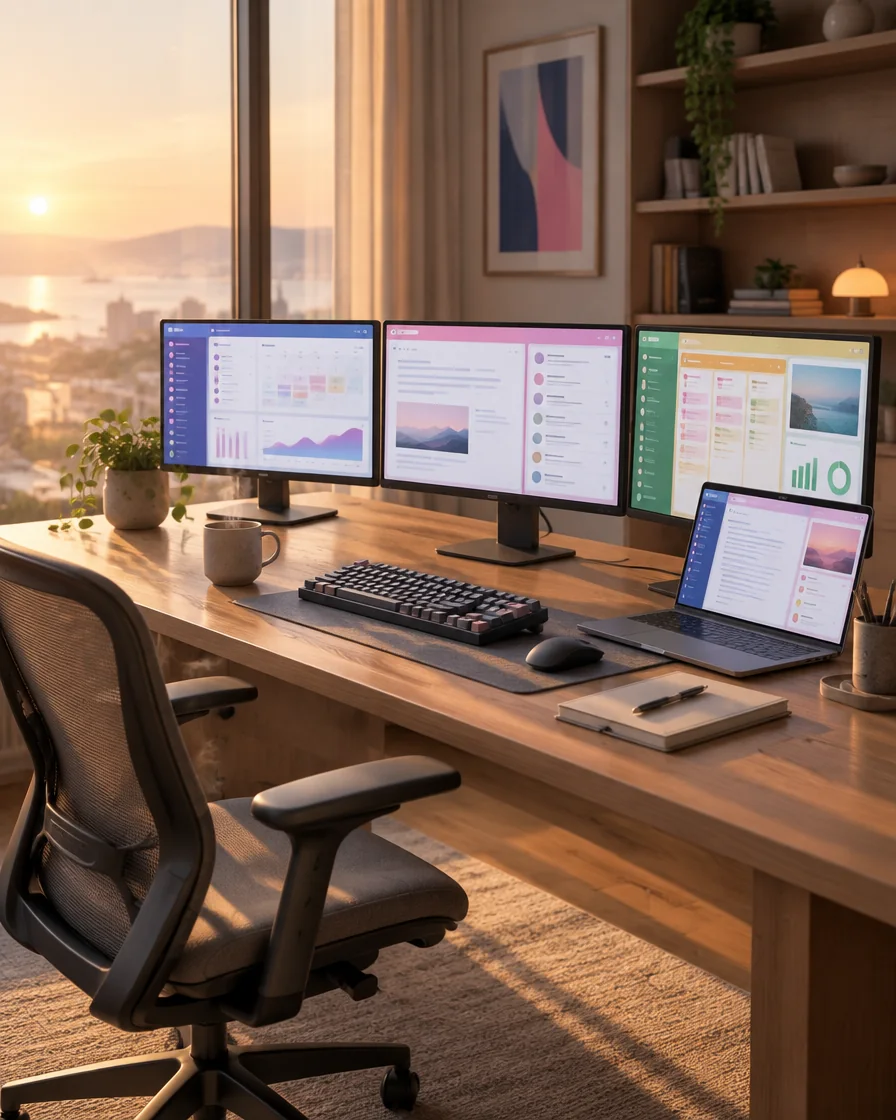
PinLayout multi-monitor window management workspace with developers

pin your windows Free Your Mind

AI Powered Zero Setup

pin your windows Free Your Mind

AI Powered Zero Setup

pin your windows Free Your Mind

AI Powered Zero Setup

pin your windows Free Your Mind

AI Powered Zero Setup

pin your windows Free Your Mind

AI Powered Zero Setup

pin your windows Free Your Mind

AI Powered Zero Setup

pin your windows Free Your Mind

AI Powered Zero Setup

pin your windows Free Your Mind

AI Powered Zero Setup

how it works a perfect workspace in 60 seconds

01. Download & Launch

One quick install on macOS or Windows. PinLayout detects your monitors and screen arrangement automatically.

02. AI Suggests Layouts

Our AI analyzes your setup and suggests optimal layouts tailored to your screens and workflow.

03. Pin & Forget

Your apps snap to zones automatically. Windows stay where they belong. You focus on work.

04. Session Restore

Your Mac or PC restarts after an update — every window returns to its exact zone. Like magic.

about pinlayout

mac + windows

Welcome to PinLayout — where windows manage themselves. We fuse AI with pixel-perfect zones to build a workspace that stays exactly how you arranged it.

Detect

Suggest

Automate

PinLayout does more than snap windows — it learns your habits. Every dock, undock, meeting and focus session flows into layouts that anticipate you. Join Mac and Windows power users freeing their minds.

Layout Engine

// pillar 01
Layout Engine
Snap windows into zones and grids, save entire workspaces, and reapply any layout in a single click.
explore features

AI Smart Setup

// pillar 02
AI Smart Setup
Answer two quick questions and let PinLayout read your monitors and open apps, then propose the ideal layout for how you actually work.
explore features
Automation & Scheduling
Turn “start my day” into one click — app rules, calendar triggers, scheduled layouts and automatic restore.
explore features

Precision Control

// pillar 04
Precision Control
Fine-tune every window to the pixel — smart alignment, gap control, nudging and keyboard-driven resizing.
explore features

Multi-Monitor

// pillar 05
Multi-Monitor
One workspace across every display — per-monitor zones, ultrawide support and instant restore when screens change.
explore features
Ecosystem & Personalization
Make PinLayout yours — a personal AI profile, custom hotkeys, usage insights and a growing layout marketplace.
explore features
Privacy & Cross-Platform
Everything runs on-device — no cloud, no tracking — with the same native experience on macOS and Windows.
explore features
why choose pinlayout

When users go “holy shit” — moments that make PinLayout unforgettable.

PinLayout notices your patterns and turns your habits into ready-made workflows. Weekly insights tell you when you focus best — so your workspace works with you.

Built for power users — on Mac and Windows.

Native performance, fluid animations and a privacy-first core: everything runs on-device, so your window data never leaves your machine .

Privacy First — 100% On-Device
No analytics calls, no cloud dependency — your window data never leaves your machine.
Zero Latency — Native Performance
No analytics calls, no cloud dependency — your window data never leaves your machine.
Community — Layout Marketplace
No analytics calls, no cloud dependency — your window data never leaves your machine.

smart & automatic

// how the ai works

04 step process

How PinLayout Arranges Your Windows.

Behind the Scenes of PinLayout AI

PinLayout's AI reads your setup and does the arranging for you — detecting your screens, understanding your open apps, and snapping everything into an optimal layout in seconds.

  • step 1

    Detect Your Monitors

    PinLayout scans every connected display — resolution, position and orientation — to map your full workspace.

  • step 2

    Read Your Open Apps

    It sees which apps are open and how you use them, so the layout fits your real workflow — not a generic template.

  • step 3

    Suggest the Optimal Layout

    The AI proposes the best arrangement of windows and zones across your screens, balanced for focus and space.

  • step 4

    Auto-Arrange Everything

    One click and every window snaps into place. Save it as a workspace and PinLayout restores it automatically.

// testimonials

4.9 / 5.0 user rating

users say about us

12 features no other window manager has — including window undo and calendar-aware layouts.

only here

pricing plans.

Every feature, nothing gated. Try it free for 7 days — then keep it all for just $4/month — 50% off at launch.

Cancel Anytime You Want

One Price, Every Feature

Works on Mac & Windows

$4/mo

roadmap

See what’s shipping next —

setup

From download to an organized workspace in under 60 seconds — and it stays organized, meeting after meeting, restart after restart.

flow

1

Install & Detect

One quick download on macOS or Windows. PinLayout maps your displays and arrangement instantly — nothing to configure.

2

AI Smart Setup

Answer two questions and the AI proposes layouts fitted to your screens, apps and daily rhythm.

  • Tell the AI what you are working on.
  • Apply a tailored layout in a single click.

3

Zones & Shortcuts

Fine-tune zones in the editor, set smart gaps, and wire up keyboard shortcuts for instant snapping.

4

Automate & Share

Build workflows, schedule layouts, and share them with your team via a single link.

  • Dock, undock, or switch desktops — your windows follow you everywhere.
  • Schedule layouts to switch automatically through your day.

// pricing

simple pricing

Pick the plan that fits.

Start with a 7-day free trial — then Pro for yourself, or Team for everyone. No free-tier gotchas.

monthly
annual
$7.9950% OFF · LAUNCH
$4.00 / month
Pro

Everything one person needs to pin, zone and automate.

What’s included
  • AI Smart Setup
  • Unlimited custom zones
  • Layout automation
  • Multi-monitor support
  • Session restore
  • 7-day free trial
$8.9950% OFF · LAUNCH
$4.50 / user / mo
Team

Shared layouts, central billing and admin controls for your whole team.

What’s included
  • Everything in Pro
  • Shared team layouts
  • Centralized billing
  • Priority support
  • Admin dashboard
  • Volume discounts
$59.0050% OFF · LAUNCH
$29.50 / year
Pro

Everything one person needs to pin, zone and automate.

What’s included
  • AI Smart Setup
  • Unlimited custom zones
  • Layout automation
  • Multi-monitor support
  • Session restore
  • 7-day free trial
$71.0050% OFF · LAUNCH
$35.50 / user / yr
Team

Shared layouts, central billing and admin controls for your whole team.

What’s included
  • Everything in Pro
  • Shared team layouts
  • Centralized billing
  • Priority support
  • Admin dashboard
  • Volume discounts
Prev
Next
Select the fields to be shown. Others will be hidden. Drag and drop to rearrange the order.
  • Image
  • SKU
  • Rating
  • Price
  • Stock
  • Availability
  • Add to cart
  • Description
  • Content
  • Weight
  • Dimensions
  • Additional information
Click outside to hide the comparison bar
Compare